

How to Add a Custom Token to a Crypto Wallet Fast
TL;DR: Adding a custom token to your wallet takes under two minutes once you have the contract address. Here's the fast, safe way to do it right.
Did you know that thousands of legit tokens never show up automatically in your wallet? Learning how to add a custom token to a crypto wallet is a skill every investor needs, because most new coins require manual setup. And knowing how to add a custom token to a crypto wallet protects you from scams too. Think about it: if your wallet doesn't display an asset, does that mean it's gone forever? Not at all.
Why Learning How to Add a Custom Token to a Crypto Wallet Matters
Here's the thing. Wallets like MetaMask or Trust Wallet only display a handful of popular coins by default. So when you buy a brand-new token, it often appears invisible until you tell your wallet it exists.
What most miss is that the funds are already there. The blockchain recorded your transaction. Your wallet just needs the token's contract address to render the balance. Think about it this way: it's like owning a house on a street your map hasn't updated yet. The house exists — the map just hasn't caught up.
In my view, this single skill separates confident users from panicked ones. I've seen people assume they were hacked simply because a new token didn't appear.
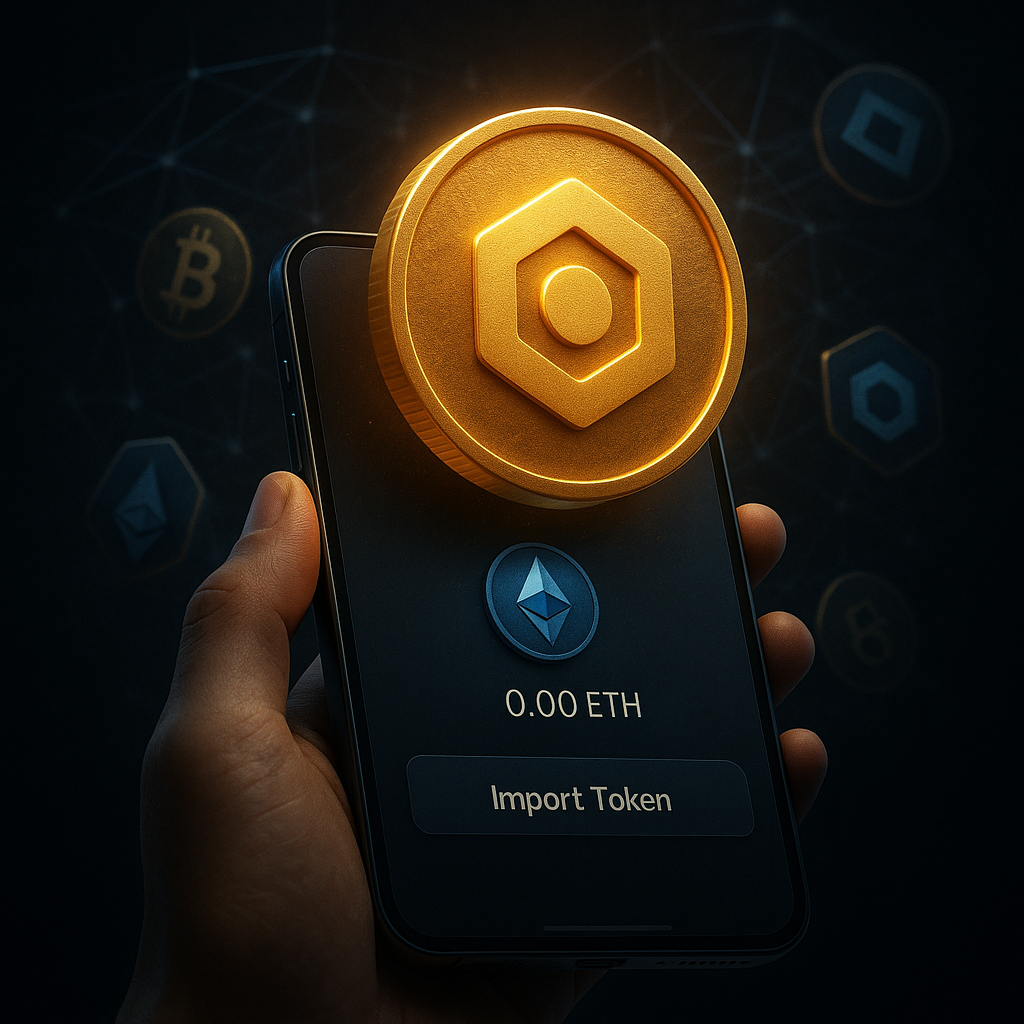
Surprising fact? Over 4 million tokens exist across various chains, and no wallet could ever list them all. That's exactly why manual adding matters. Whether you're dealing with a small-cap gem or a DeFi reward, you'll eventually need this. Because relying on automatic detection alone leaves gaps. And gaps cause stress.
[IMAGE: Person checking a crypto wallet on phone | Alt: how to add a custom token to a crypto wallet screen]
How to Add a Custom Token to a Crypto Wallet Step by Step
So how does it actually work? The process hinges on one thing: the token contract address. This is a unique string that identifies the token on its blockchain.
First, find the correct contract address. Use a trusted explorer like Etherscan or the project's official site — never a random Telegram link. Copy it carefully.
Next, open your wallet and select the correct network. This part trips people up. A Polygon token won't show on Ethereum. Then look for "Import Tokens" or "Add Custom Token."
Paste the contract address. Most wallets auto-fill the token symbol and decimals. If they don't, grab those details from the explorer too. Confirm, and boom — your balance appears.
Think of it like adding a new contact to your phone. You type the number once, and it's saved forever.
What I find interesting is how consistent this flow is across wallets. Learn it once, use it everywhere. A surprising fact: wrong decimal entries are the top reason tokens display incorrect balances. Double-check that field. [LINK: beginner's guide to crypto wallets]
What's Happening Now With Token Standards
Right now, the token landscape is shifting fast. New standards keep emerging, and wallets are racing to support them. But manual adding remains the reliable fallback.
Ever wonder why some chains feel smoother than others? It's because networks like Base, Arbitrum, and Solana each handle tokens slightly differently. Ethereum uses ERC-20. Solana uses SPL tokens. The core idea stays the same, yet the steps vary just enough to confuse newcomers.
Here's the thing about the current market. With thousands of tokens launching weekly, automatic detection simply can't keep pace. So wallets increasingly lean on community token lists — crowdsourced databases that flag verified assets. But even these lag behind fresh launches.
It's a bit like a restaurant menu that updates monthly while the chef invents new dishes daily. You'll always find items not yet printed.
A surprising fact: some scam tokens deliberately copy real contract addresses with one changed character. That's why verification matters more than ever. In my view, this rising sophistication makes manual token adding a security skill, not just a convenience. Cross-checking a [LINK: token contract verification tool] before importing is smart practice.
[IMAGE: Blockchain network diagram with token symbols | Alt: custom token contract address on blockchain networks]
What This Means for You
So what should you actually take away from all this? Simple: never assume missing tokens equal lost tokens.
You now hold a repeatable method. Find the contract address, verify it, pick the right network, and import. That's it. This puts you in control instead of at the mercy of automatic systems.
But there's a security angle too. Every time you add a token, you're practicing verification habits that protect your whole portfolio. Because scammers thrive on confusion and haste.
What I find interesting is how empowering this feels once it clicks. You'll troubleshoot faster. You'll help friends. And you'll stop panicking over invisible balances.
Bottom line? Bookmark your explorer, keep your networks straight, and always double-check that contract address before hitting confirm.
Frequently Asked Questions
Q: How do I find a token contract address?
A: Visit the project's official website or a blockchain explorer like Etherscan. Look for the "Contract" section or a verified badge. Copy the full address exactly. Avoid links shared in random chats, since scammers often distribute fake addresses that mimic legitimate ones.
Q: Why isn't my token showing after I added it?
A: Usually it's a network mismatch. Confirm you selected the same blockchain the token lives on, like Ethereum versus Polygon. Also check that the decimals field is correct. If everything matches, refresh your wallet or reopen the app to trigger a balance update.
Q: Is adding a custom token safe?
A: Adding a token itself is safe because you're only telling your wallet to display an asset. The risk comes from interacting with fake tokens or approving malicious contracts. Always verify the contract address through official sources before importing or trading anything new.
Final Thoughts
Mastering how to add a custom token to a crypto wallet is one of those small skills that pays off constantly. You'll save time, avoid panic, and dodge scams that prey on confusion. Remember the essentials: verify the contract address, choose the correct network, and confirm the decimals. Do that, and knowing how to add a custom token to a crypto wallet becomes second nature.
So don't wait until a missing balance stresses you out. Practice the steps now with a token you already trust. Want to level up further? Explore our other guides and keep building your crypto confidence today.
